
Translated from the Japanese original on mureo.jp.
Update (2026-09-17): Google retired the Google Ads API developer token on 2026-09-09. The two hurdles below — getting a token issued and the token’s access level — now belong to the Google Cloud project that issued your OAuth client: you enable the Google Ads API in the Cloud Console and sign up for access on its Overview page (no manager account needed), and the access levels apply to that project. mureo 0.18.0 and later no longer ask for a token, and a token already in your config is simply ignored. The text below is kept as written.
Running Google Ads inevitably means long stretches with the console open, chasing numbers. Claude Code lets you replace much of that with instructions in plain language. There are, however, a few hurdles before you get connected, and quite a few people stop there. This article works through how driving Google Ads from Claude Code fits together, and where people actually get stuck.
The overall picture is in Can you automate ad ops with Claude Code?. The other search platform, Yahoo! JAPAN Ads, is covered in Driving Yahoo! JAPAN Ads from Claude Code, and Meta Ads in Driving Meta Ads from Claude Code, and Amazon Ads in Driving Amazon Ads from Claude Code.
Connecting to Google Ads through MCP
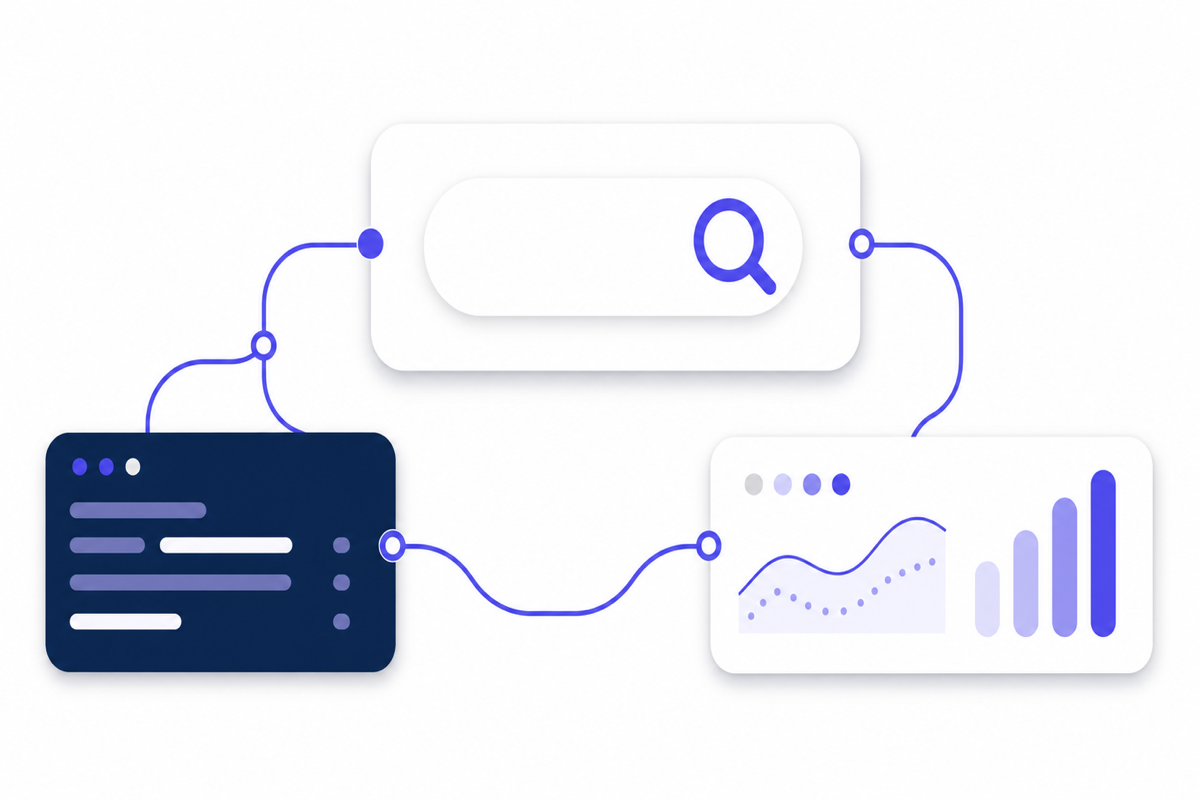
Claude Code on its own does not hold Google Ads data. In between sits a connection mechanism called MCP (Model Context Protocol), which talks to the Google Ads API. Claude Code reasons about “give me last week’s CPA for this campaign,” MCP translates that into a query against Google Ads, and Claude Code reads the numbers that come back.
Queries on the Google Ads side use a dedicated syntax called GAQL (Google Ads Query Language). It resembles SQL, but its conventions are its own. You do not need to learn it; Claude Code assembles it for you.
Hurdles before you are connected
Getting a developer token issued If you run this in your own environment, using the Google Ads API requires a developer token. It is an application-and-approval procedure, and even though it is only the first time, it feels heavy if you have never done it. This may be where the largest number of people stall. There are also managed arrangements that take this issuance off your hands.
The token’s access level Having the token issued does not yet let you touch production accounts freely. Tokens carry an access level, and an application approved automatically comes back as Explorer. Calls against production accounts do go through at that level, but you are capped at 2,880 operations a day. When the review does not finish automatically you get the test-account level instead, which does not reach production at all. If the connection settings look right and a permissions error still comes back, this is usually why. Lifting the restriction means applying separately for Basic or Standard. Basic gives you 15,000 operations a day, Standard no ceiling.
Linking accounts If you use an MCC (a manager account that groups multiple accounts), connecting its OAuth once lets you extend to the accounts underneath. You then add overrides afterward only where individual accounts need them.
Scope of permissions Being able to touch budgets and bids the moment you connect is not something we recommend. Start with viewing and proposals only, and put approval in front of changes. This ties into the question of how to delegate, below.
What you can do with Google Ads once connected
- Pull data across the account: read campaigns, ad groups, keywords, and search terms together from a single instruction, and find CPA deterioration and wasteful overlap.
- Automate the check: delegate the morning number check and surface only what needs attention.
- Delegate trafficking and changes: creating responsive search ads, adjusting budgets, adding and excluding keywords can all be executed from your instructions.
The work itself does get faster.
Where people get stuck with Google Ads
GAQL errors stop you One mistake in the syntax and the query fails with an error. Claude Code fixes and re-runs most of them, but the more complex the aggregation, the more likely the numbers that come back differ from what you meant. Rather than taking returned numbers at face value, it is safer to check them once against your own instinct.
Changes that “pass as plausible” are the bigger problem Failing with an error is actually the easier case, because you notice. The troublesome case is a change that looks about right but is actually off the mark, going through as is. Requiring approval or setting a ceiling on anything that touches bids or budgets keeps the damage from spreading.
No record of why a change was made “Why did you move this budget last week?” When you are asked later, you cannot answer if there is no log of the changes the AI made. Because ad ops is judged on reasons as well as results, designing for changes to be recorded pays off later. How far back the Google Ads change history goes, and how to build a record that keeps the reasons, is in Keeping your own change log for ad accounts.
Summary
Connecting Google Ads to Claude Code is not difficult once you clear the hurdles. What matters more is deciding, after connecting, how much to delegate and what to record. That is explored in Is it safe to hand ad ops to Claude Code?.
Once you can run it yourself, the next question is how much of the operation to keep in-house. We put management fees and internal hours side by side, in yen at each level of spend, in Bringing ad ops in-house.
We build mureo, which productizes this “design for delegation,” so you can talk to us not only about how to connect but about how to structure operations.